
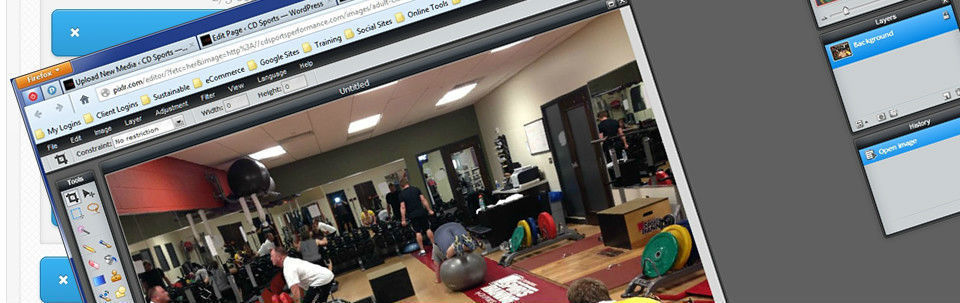
Add Images With Pixlr’s Help : Online Photo Editing
As you probably already know, *eye-candy* for your blog posts help make it easy to read, keeps your visitor’s attention longer and helps convey the emotional content (where applicable). But consistently adding images and making them appropriate to the post means having access to a photo editor. So, if Photoshop is on your wish list but not in your tool box you should keep reading. I found an online photo editing and screen capture utility to allow you to grab the images on your computer screen so you can edit them easily. A photo editor you can use online that has many of the features of Photoshop, GIMP and Paint.net but is easier...
Read MoreiFrameGen PHP Redirect Software
Want A More Professional Approach to Affiliate Marketing?
Stop using those clunky/ugly/obvious affiliate links when promoting someone Else’s product. Have you ever seen a link that a full-time Affiliate Marketer uses? Ever wonder how they masked or cloaked those links? Well, it’s not rocket science, but it does require a little knowledge of HTML or PHP. Read MoreProtect Against Conficker Worm – Now!

If you've been watching the news, you are probably getting a little nervous about now. It's only a few short hours until the scheduled *hit* of the April Fool's virus... and no, this isn't a joke.
It is stage two of one of the most destructive computer worms ever known - a conficker worm dubbed the "cyberworm of mass destruction".
Experts cite the
Read MoreFTP Client Filezilla
When you are managing your own websites, blogs and such, you will often need to send files *up* to the Internet. And since Windows hasn't reached the point where you can just *open* the files on the Internet and copy them to your computer, you need a special piece of software. An FTP Client.
There are a lot of FTP clients out there.
One stands out for ease of use, features and
Cool Color Picker
Okay, you’ve been online a while and finally mastered the whole *create a blog* or *build a capture page* thingy. One thing plaguing you though…every time you want to change a color on your theme, you have to stop, go open a program that will display the colors and let you choose, then copy the HTML codes to create that color. What a pain in the butt. Well my friends, I found a really cool tool that loads up on your computer and will let you choose any color you can see! It also contains a visible color *library* so you can select from a master set of colors. It will optionally output the color codes in a variety of *types*,...
Read More